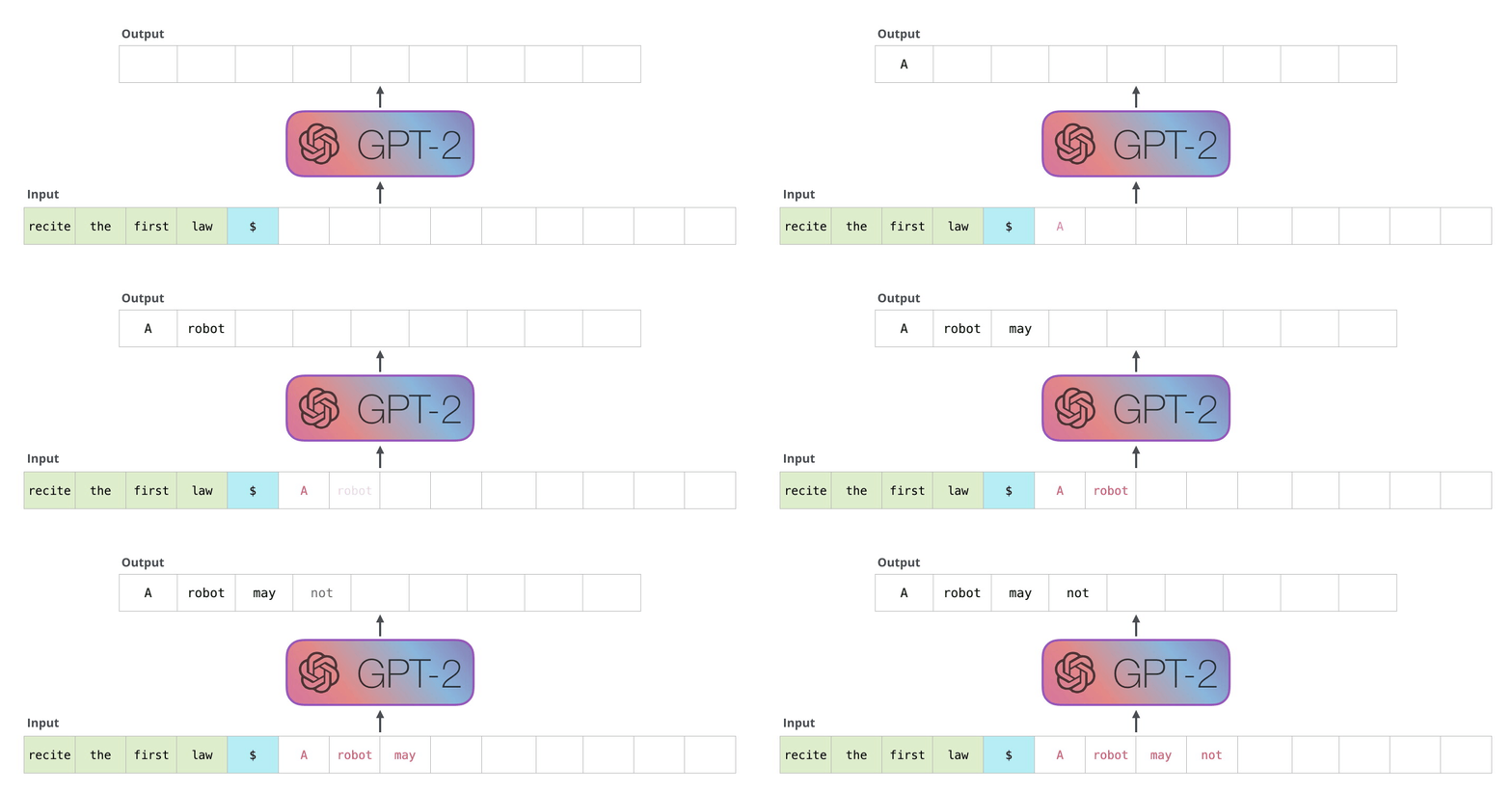
What Is GPT
GPT stands for "Generative Pre-trained Transformer." It is a type of language model developed by OpenAI that is trained to generate human-like text. The model is pre-trained on a large dataset & can then be fine-tuned for specific tasks such as translation, summarization, or question answering. GPT has been successful in many natural language processing tasks & has set several benchmarks in the field.
You need super computer with extreme configuration if you want to train the data, I am not going into details, but here are the steps
What Is GPT Output Detector
GPT output detectors are computer programs that analyze the output of a GPT (generative pre-trained transformer) model & detect when the output is not realistic. These programs use various techniques such as natural language processing, machine learning, & deep learning to identify patterns in the output that indicate when the text is not natural. They can also detect when the output is generated from a malicious source.
Huggingface GPT2 tutorial
I am providing steps with and without train data
I was able to setup my own GPT-2 Output Detector, on Debian 11, before you do anything make sure you run apt-get update && apt-get upgrade -y
apt install git wget docker.io -y
git clone https://github.com/openai/gpt-2-output-dataset && cd gpt-2-output-dataset
cd gpt-2-output-dataset
nano Dockerfile
++Insdie Dockerfile paste the following
FROM python:3.7

RUN pip3 install torch==1.1.0 torchvision torchaudio --extra-index-url https://download.pytorch.org/whl/cpu \
    pip install transformers==2.9.1 \
    pip install fire==0.2.1 \
    pip install tensorboard>=1.14.0 \
    pip install future

COPY . /code

WORKDIR /code

RUN wget https://openaipublic.azureedge.net/gpt-2/detector-models/v1/detector-base.pt && wget https://openaipublic.azureedge.net/gpt-2/detector-models/v1/detector-large.pt

RUN python -m detector.train

CMD python -m detector.server detector-base.pt
If you don't have high end machine then I advise you to edit your Dockerfile with the following
FROM python:3.7

RUN pip3 install torch==1.1.0 torchvision torchaudio --extra-index-url https://download.pytorch.org/whl/cpu \
    pip install transformers==2.9.1 \
    pip install fire==0.2.1 \
    pip install tensorboard>=1.14.0 \
    pip install future

COPY . /code

WORKDIR /code

RUN wget https://openaipublic.azureedge.net/gpt-2/detector-models/v1/detector-base.pt && wget https://openaipublic.azureedge.net/gpt-2/detector-models/v1/detector-large.pt

CMD python -m detector.server detector-base.pt
Next step
curl -sSl https://get.docker.com | bashdocker build -t gpt .Final Step
docker run --name gpt --restart always -d -p 80:8080 gptOnce you ran all the above command, it will take may be 2 minutes and you can access your GPT Output detector, by visiting http://YOURIP:YOURPORT
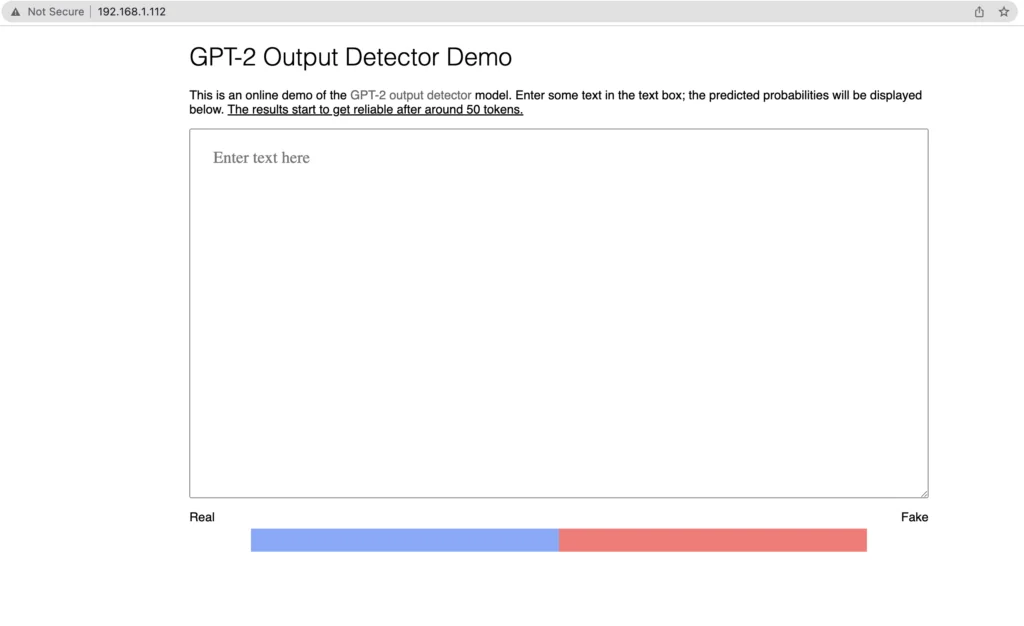
Enjoy your very own GPT Output Detector
You might also like
View all


Comments (0)
No comments yet. Be the first to comment!